
Start wide.
Get into the details.
Walli brings the plans you care about into one calendar. Begin with the year, then take a closer look whenever you need it.
Explore a sample year →A whole year.
A closer look.
Your point of view.
See the plans that stretch across your year. Then take a closer look at a month, or open an event for everything you need.
Try the calendar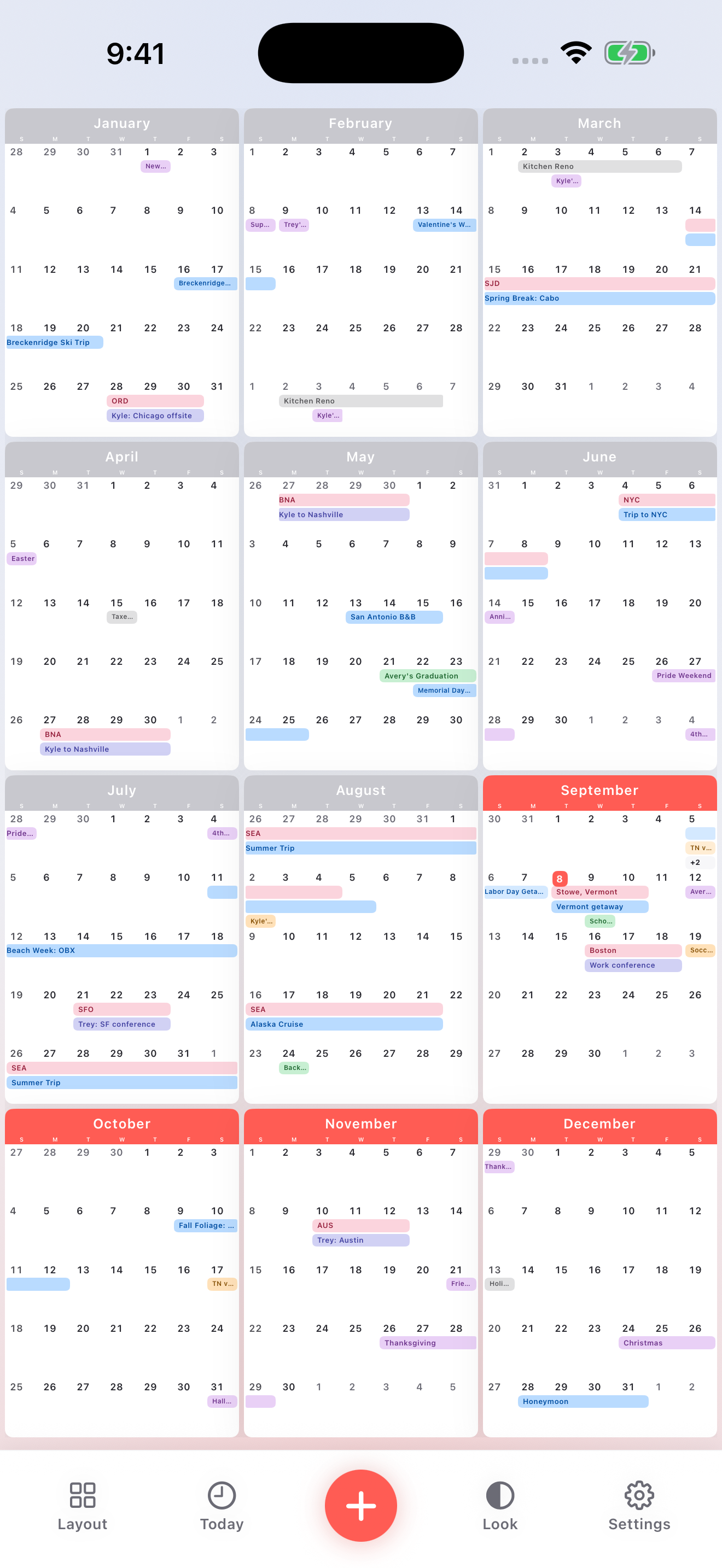
Where you’ll be.
What you’ll do.
A trip is more than a dot on a day. Keep the place and the plan together, with colored bars that show how long you’ll be there.
Boston for work. Vermont for the weekend. Home for the holidays. See how it all fits.
Explore this example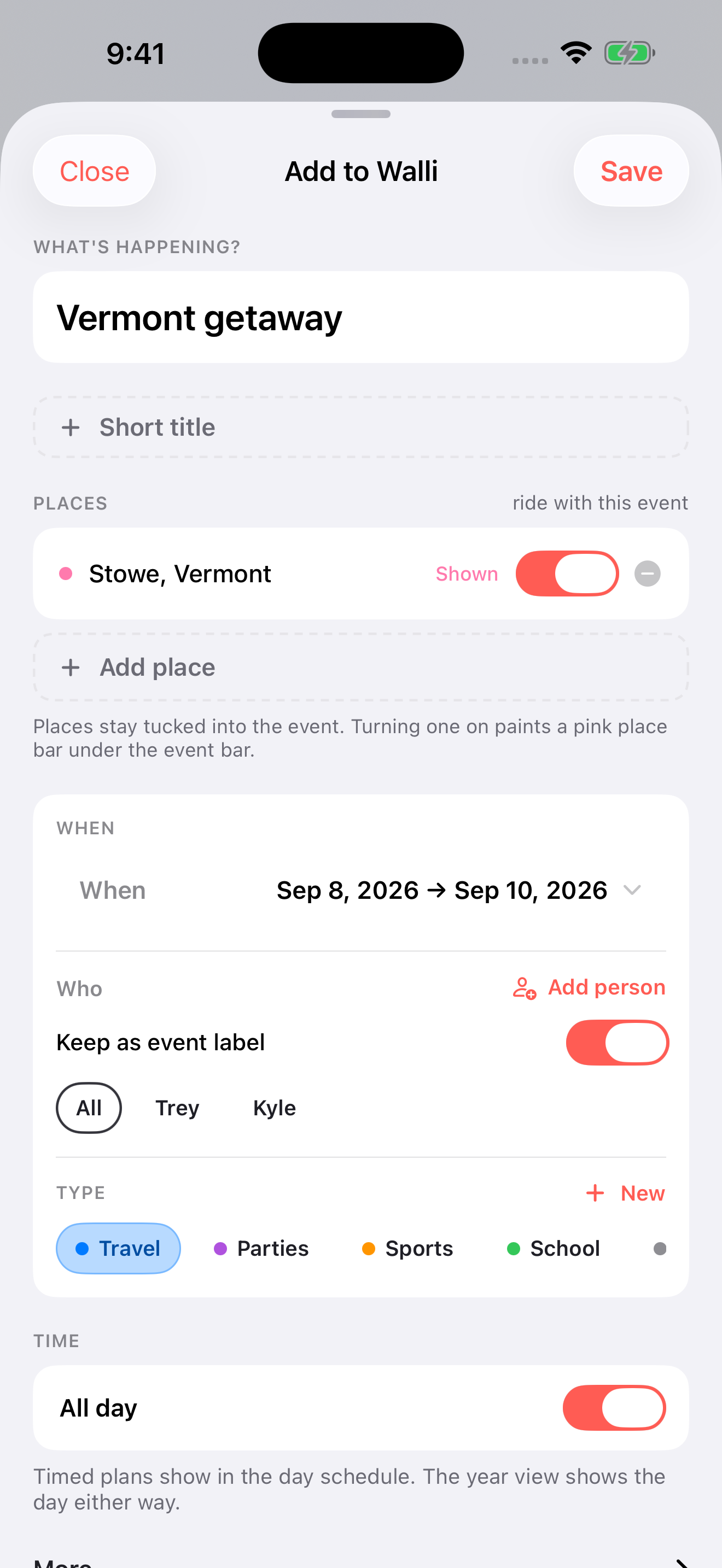
Add the plan.
Bring the details.
Give it a name and dates. Add the people, place, and notes you need. Use repeats for the plans that come around again.
- Start with what’s happening. A birthday, a break, a trip, or something just for you.
- Give it a little context. Keep the dates and places connected.
- See it in your year. Open it anytime to change the details.
Plan together.
Keep it simple.
Invite a household member from Account settings. They sign in to their own account and join your shared calendar. Choose a viewer or editor role, and manage access from Household.
A calendar, not an inbox.
Household sharing lets you see and plan together. It doesn’t send acceptance requests for individual events.
Household help →
Your year is full of life.
Give it a little space.
Open Walli No account needed to explore the sample.